

Photo consent means clear permission for a specific photo and its use. Before you take or share a teen’s image, check program rules with staff. Then ask the teen without pressure. Also have staff confirm any required parent or guardian permission. If any part is unclear, keep the camera down.
Spring brings service days, outdoor games, and group projects. For Washington State University (WSU) student volunteers, those moments may seem worth sharing. However, a good memory does not need a public post. This Cougs 4 Kids guide helps you put young people’s choices first.
Start with the program's photo consent rules
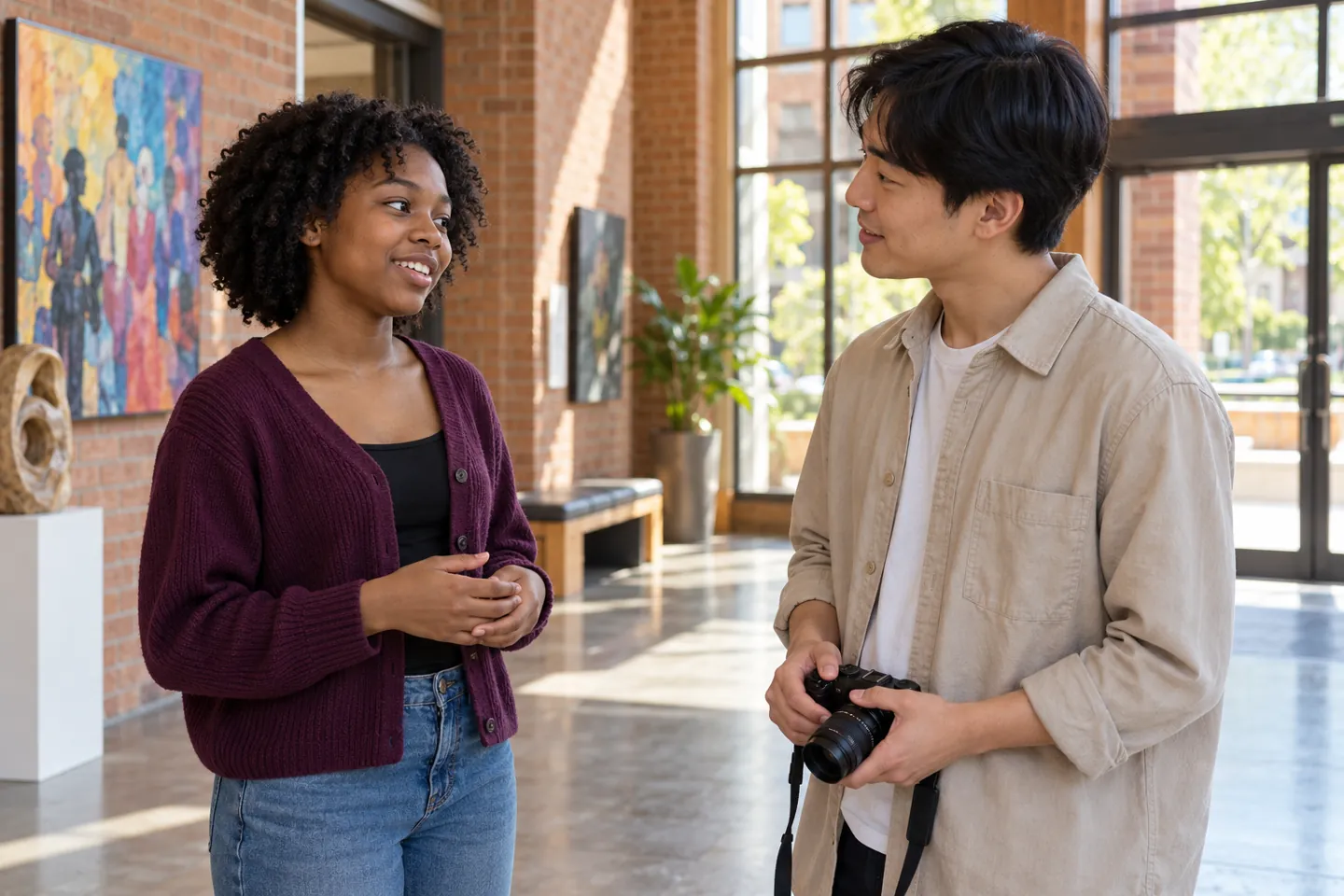
First, ask the staff lead who may take photos. Find out which devices, forms, and storage tools the program allows. Also ask who checks each image before anyone shares it.
A signed form may cover only certain uses. For example, permission for a private family update may not cover a public website. Therefore, ask staff to check the exact use you have in mind. Do not collect forms on your own phone or create a new process.
These are practical tips, not legal advice. Your program must confirm its current rules and legal duties. For broader guidance, review the NSPCC’s child photography guidance. It offers useful planning questions for youth groups.
Ask for photo consent before lifting the camera
Next, explain the plan in words the teen can understand. Say what the photo would show and who could see it. Then give them time to answer in their preferred way.
You might say: “Would you like to be in a photo of this project? It’s fine to say no. You can still join every part of the activity.” If a public post is planned, explain that separately.
A smile, silence, or a friend’s yes is not a clear answer. Instead, check with each person. If someone seems unsure, pause. Never offer a reward for being in a picture or ask them to explain a no.
Keep everyone in the activity
Also plan a way to enjoy the whole event without photos. A teen who opts out should still get the same games, supplies, and chances to lead.
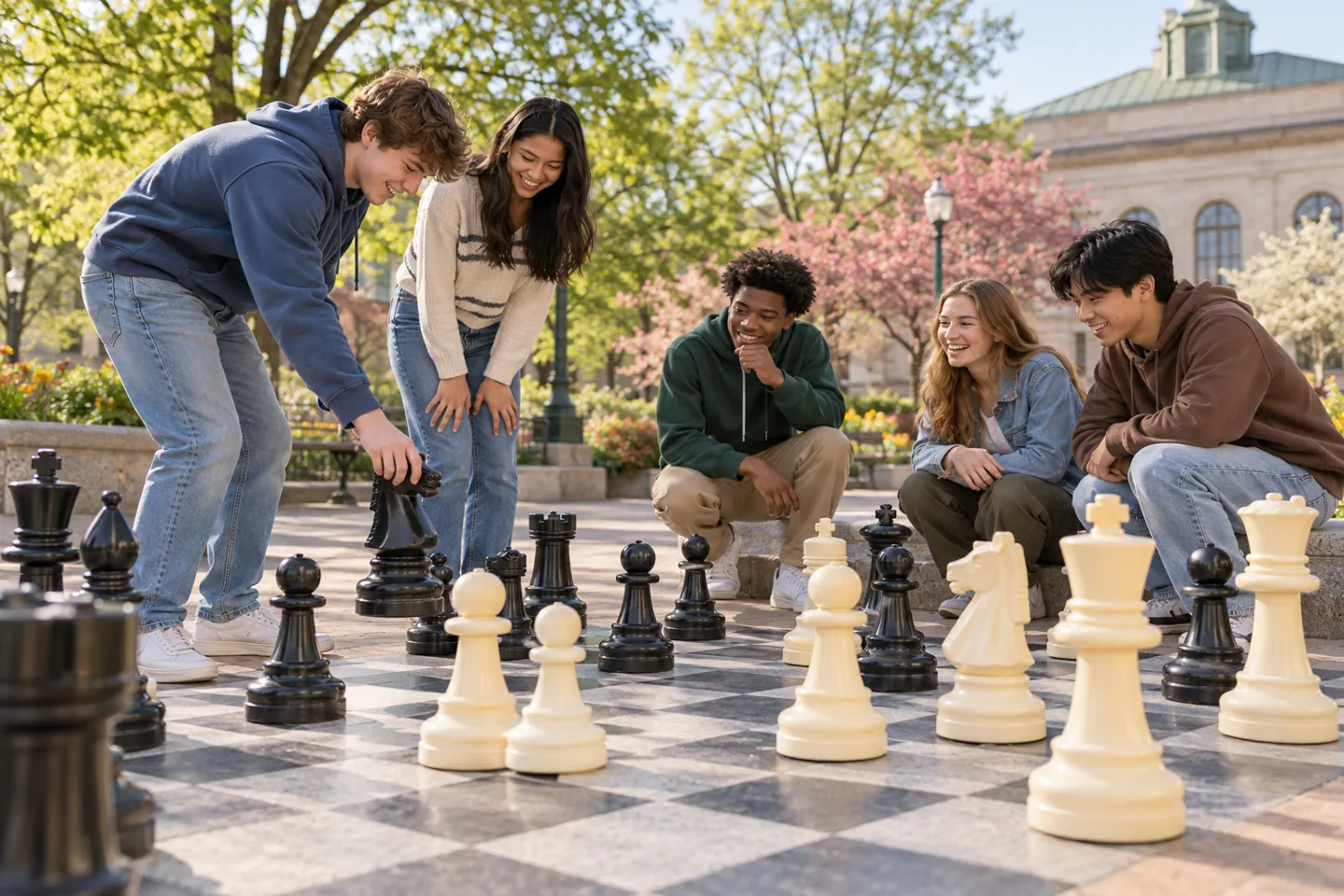
For example, imagine a spring chess meetup. One teen wants to play but does not want a photo. The game can continue while the camera stays packed away. Later, staff could consider an approved picture of the board alone.
Likewise, build choice into teen team-building activities. Do not announce someone’s private reason for avoiding photos. A simple “We’re putting the camera away now” is enough.
Check photo consent again before sharing
Permission to take a picture is separate from permission to publish it. Before posting, confirm the exact image, audience, caption, and channel with staff. Then check that the planned use still fits the teen’s choice.
Also look beyond faces. Name tags, school logos, street signs, and a schedule on a wall can reveal personal details. Avoid location tags and follow the program’s process for checking hidden location data in files.
UNICEF’s ethical reporting guidelines put children’s safety and dignity first. Therefore, do not share an image that could put someone at risk, even if their face is hidden.
Use this quick photo consent checklist
Before the event, review these six questions with the staff lead:
- Rules: Does the program allow this photo?
- Choice: Does each teen freely want to take part?
- Permissions: Has staff checked the required guardian approval?
- Use: Do permissions cover this image and this channel?
- Privacy: Have staff checked the photo and caption for risks?
- Storage: Will the file stay in an approved place?
If an answer is missing, stop and ask staff. Meanwhile, focus on the activity. You can celebrate a teen-led community project without posting anyone’s face.
Make changing a choice simple
Finally, tell teens whom to contact if they change their mind. If someone asks to remove an image, tell the staff lead promptly. Follow the program’s removal process, and stop further sharing while staff handle the request.
However, do not promise that every copy online can disappear. Someone may have saved or shared it. The eSafety Commissioner’s photo and video sharing guide explains why care before posting matters.
Frequently asked questions
Can I post a group photo if most teens say yes?
No. One person’s yes does not speak for the group. Instead, follow staff directions and respect each person’s choice. The NSPCC photography guide also advises against excluding children from activities when they do not have photo permission.
Is a private social account okay for volunteer photos?
Not by default. A private account is still a place to share images. First, ask staff whether that channel is allowed. Then confirm permission for that use. See eSafety’s sharing advice for more privacy tips.
How can we celebrate without showing young people?
Try a staff-approved photo of supplies, a finished project, or an empty game board. However, check for names or other clues on those items, too. You can also invite teens to describe what they enjoyed without naming them. Our youth feedback questions can help you listen first.
Bring care to your next volunteer day
Before your next spring activity, ask the staff lead about photos. Then make room for each teen’s choice. A thoughtful volunteer knows when to put the camera away and join the moment.
Want to learn about supporting young people with Cougs 4 Kids? Explore ways to get involved and ask about current opportunities.
Images are AI-generated illustrations and do not show actual program participants.
